Set/Change Payment Administrator
In this service, for security protection, you can limit the users who can check payment information and perform contract change operations. We will explain the procedure for setting and managing the payment administrator.
1. About the Privileges of the Payment Administrator
A user set as the “Payment Administrator” can access the billing dashboard and perform the following operations.
- Management of license contracts: Purchase, update, and cancellation of paid licenses
- Management of payment information: Registration/update of credit card information and changing of billing information
- Issuance of documents: Checking of payment history, downloading of receipts and invoices
Regarding the person in charge and privileges
- There is always only one payment administrator. Multiple users cannot be set at the same time.
- You can appoint any user as a Payment Administrator regardless of their administrative privileges, provided that the account has been activated.
- The customer representative also has all privileges related to payments and contracts similar to the payment administrator.
- The first user who created an account for this service is automatically granted the privileges of the payment administrator.
2. Procedure for Changing the Payment Administrator
The procedure for changing the payment administrator to another user is as follows.
Select “Billing Dashboard” from the account menu.
-
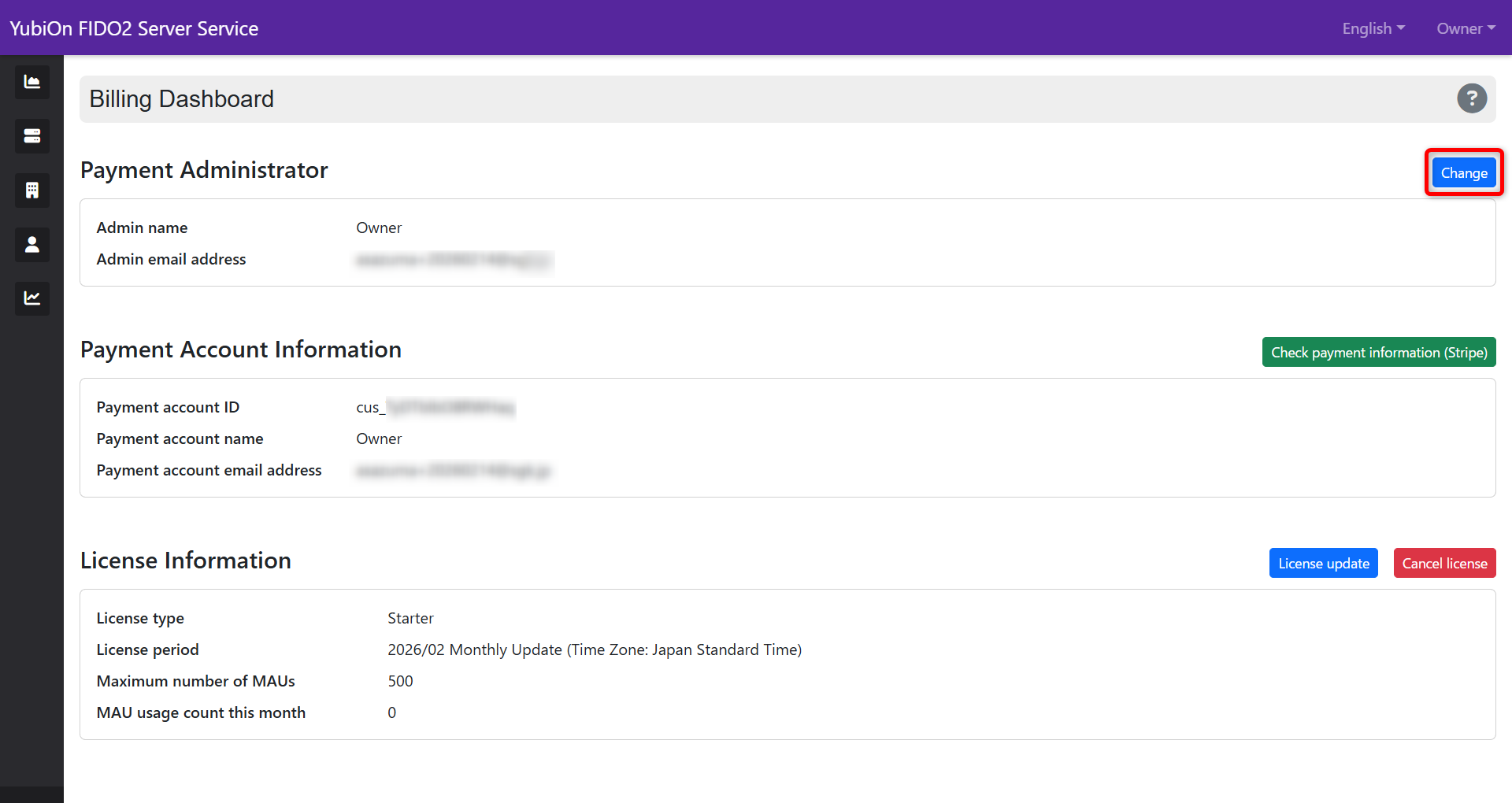
Click the “Change” button in the payment administrator area.
-
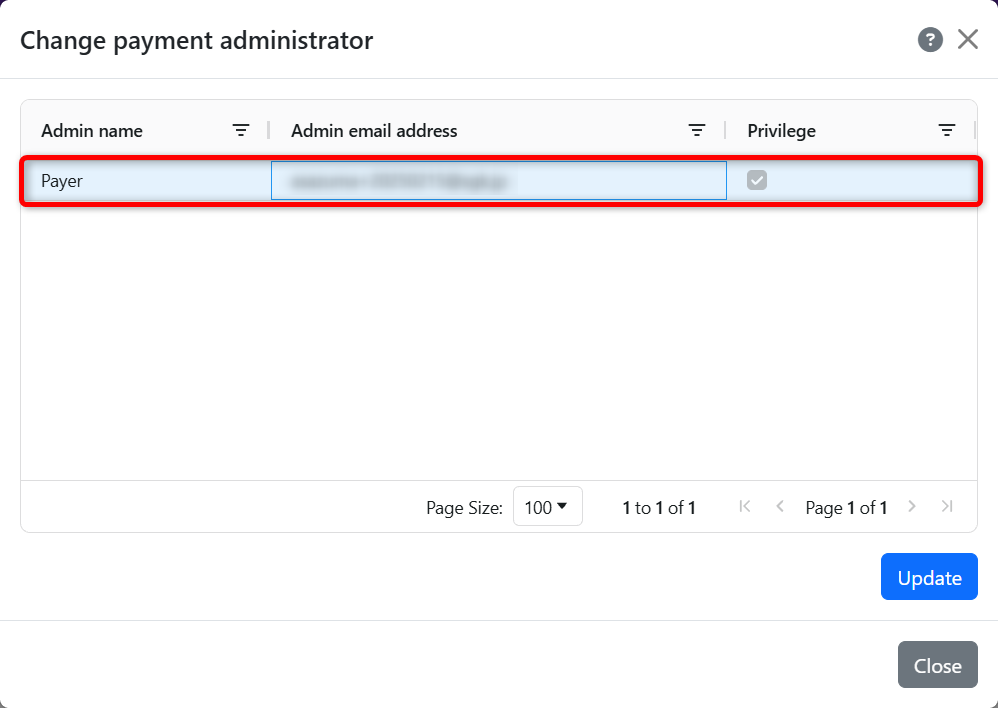
Select the administrator you want to designate as the payment administrator.
-
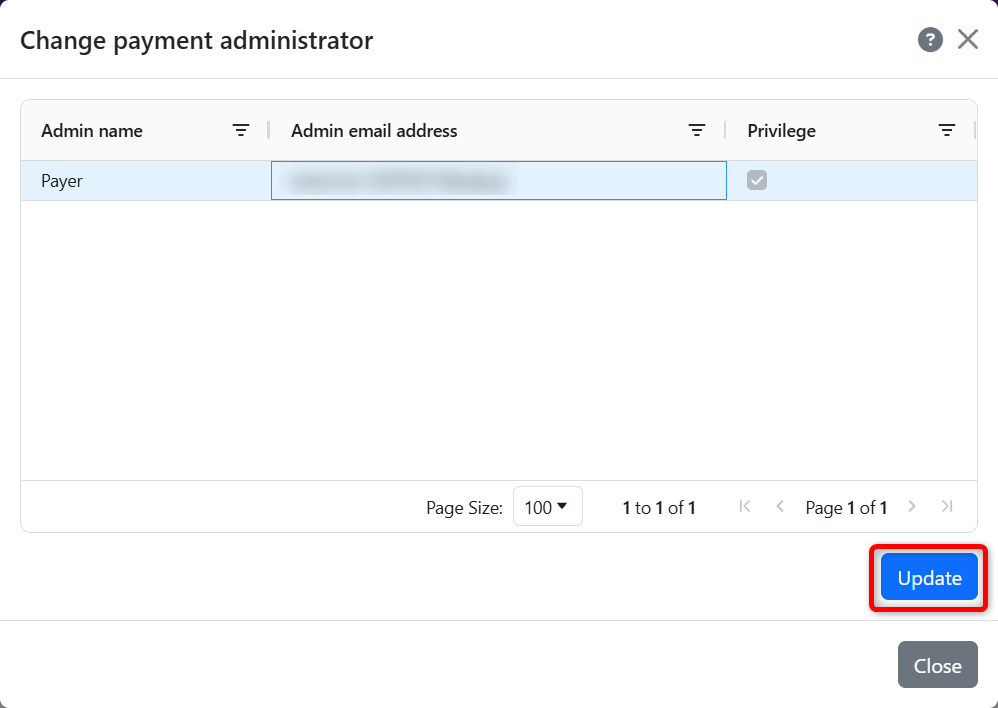
Click the “Update” button.
-
Click “OK” in the confirmation message.
3. Changing the Destination of Payment Notification Emails
The destination for sending notification emails and receipts at the time of payment completion can be changed from the Stripe management screen.