Initial Purchase of Paid License
Describes the procedure for purchasing a paid plan for the first time for this service.
Precautions before purchase
- When purchasing for the first time, a “prorated fee” until the end of the month will be settled immediately. Please check Payment Methods and Billing Mechanism for details.
- If you wish to pay by methods other than credit card, please contact us.
1. Creation of Payment Account
To use the payment function, first create a “Payment Account” in Stripe.
* This work is only necessary for the first time. Once created, it is not necessary to create it again at the time of subsequent purchases or plan changes.
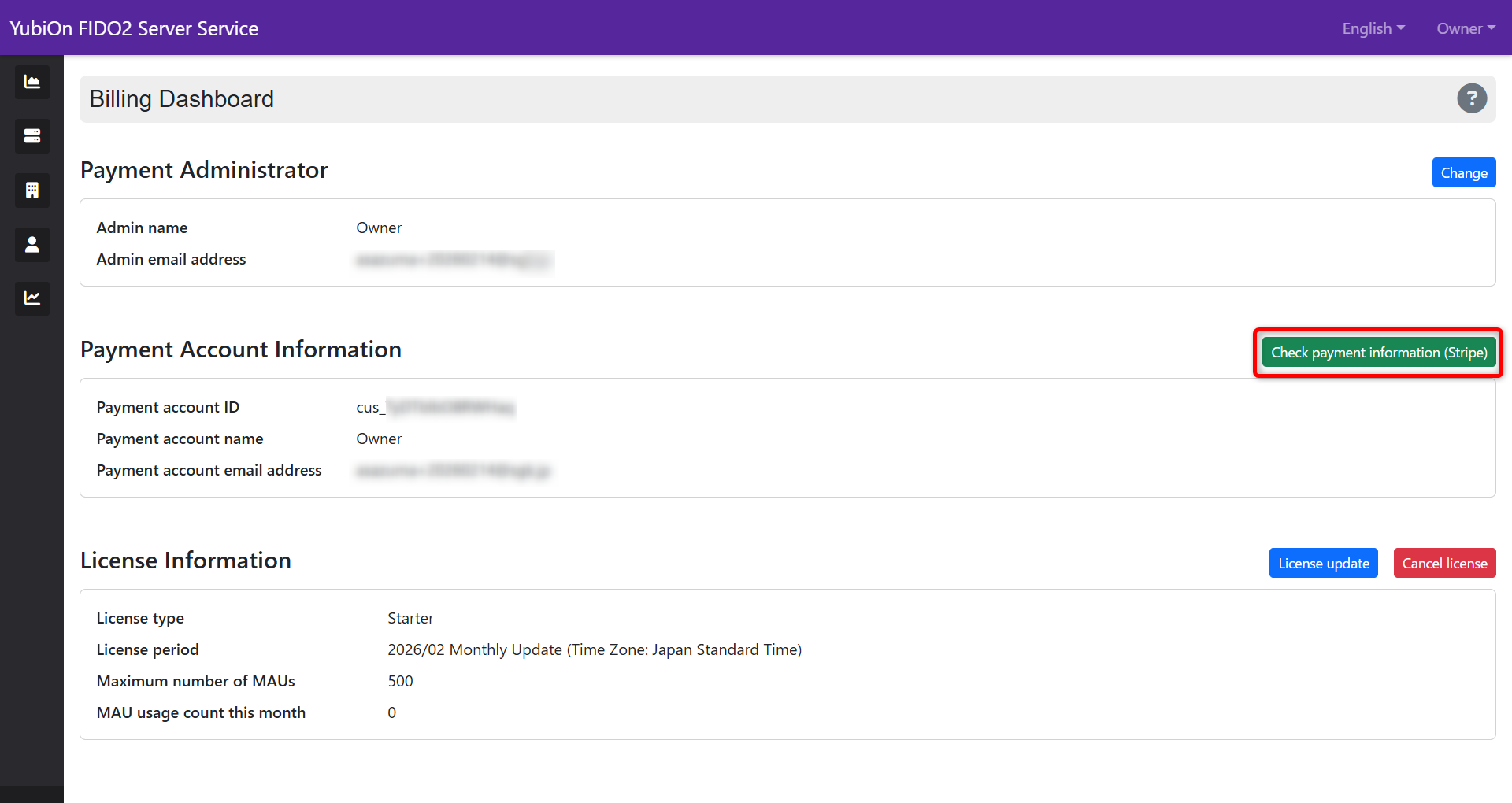
Select “Billing Dashboard” from the account menu.
-
Click the “Create payment account” button.
-
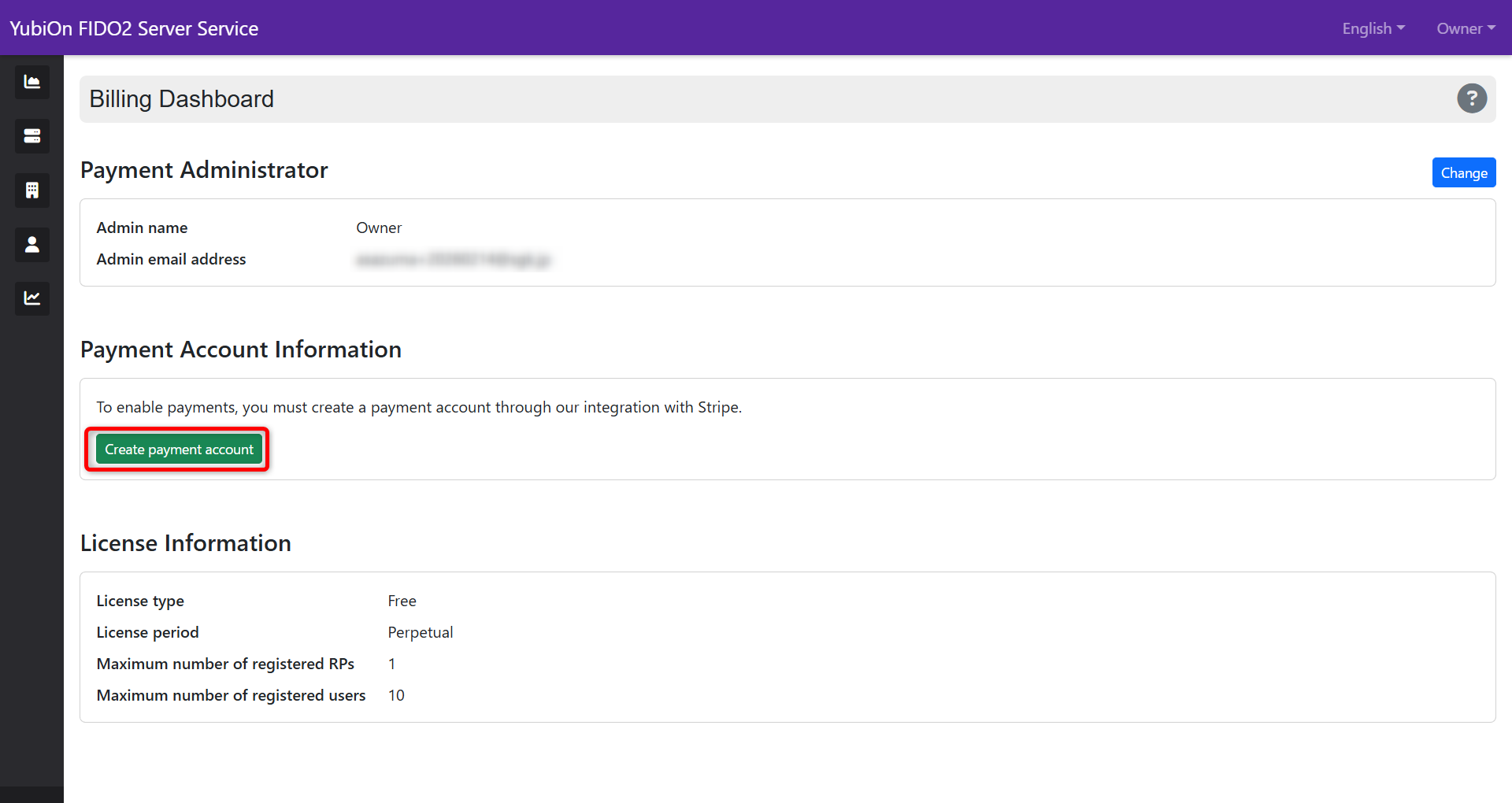
After selecting the payment currency, click the “Create payment account” button.
Precautions when selecting payment currency
Once the payment currency is set, it cannot be changed later. Please be sure to check that there are no errors.
2. Plan Selection
-
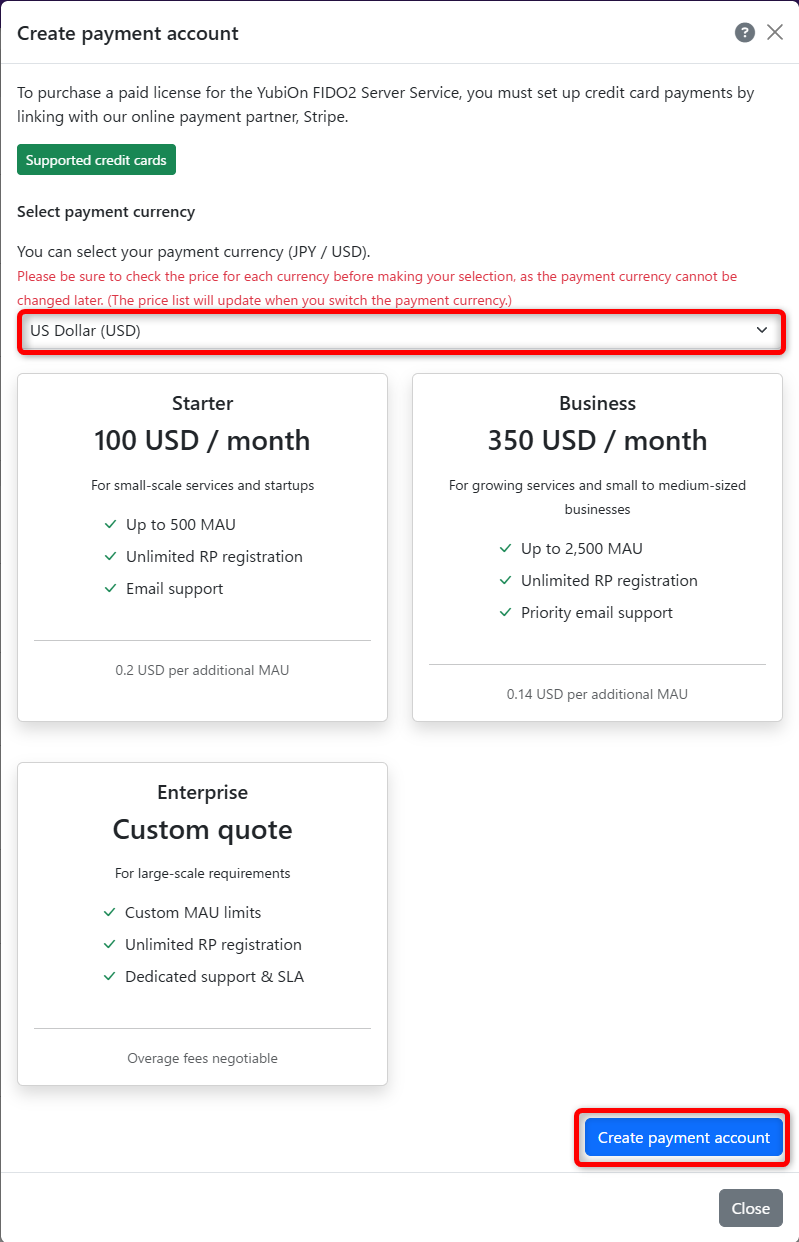
Click “Purchase license” in the billing dashboard.
-
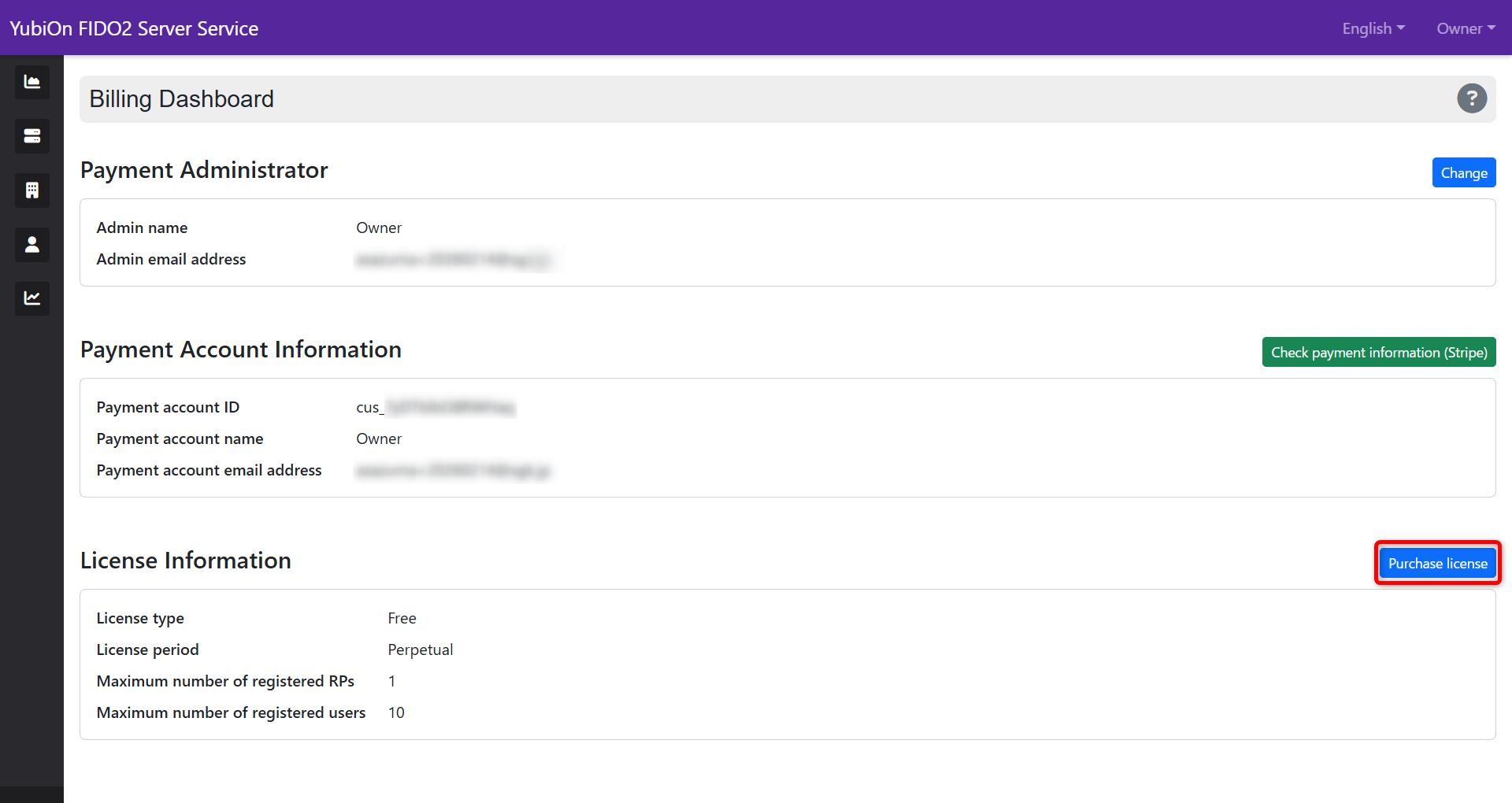
Click the “Purchase” button for the desired plan (Starter / Business).
* If you wish for the Enterprise plan, please contact us.
* Currently, only the monthly plan can be selected.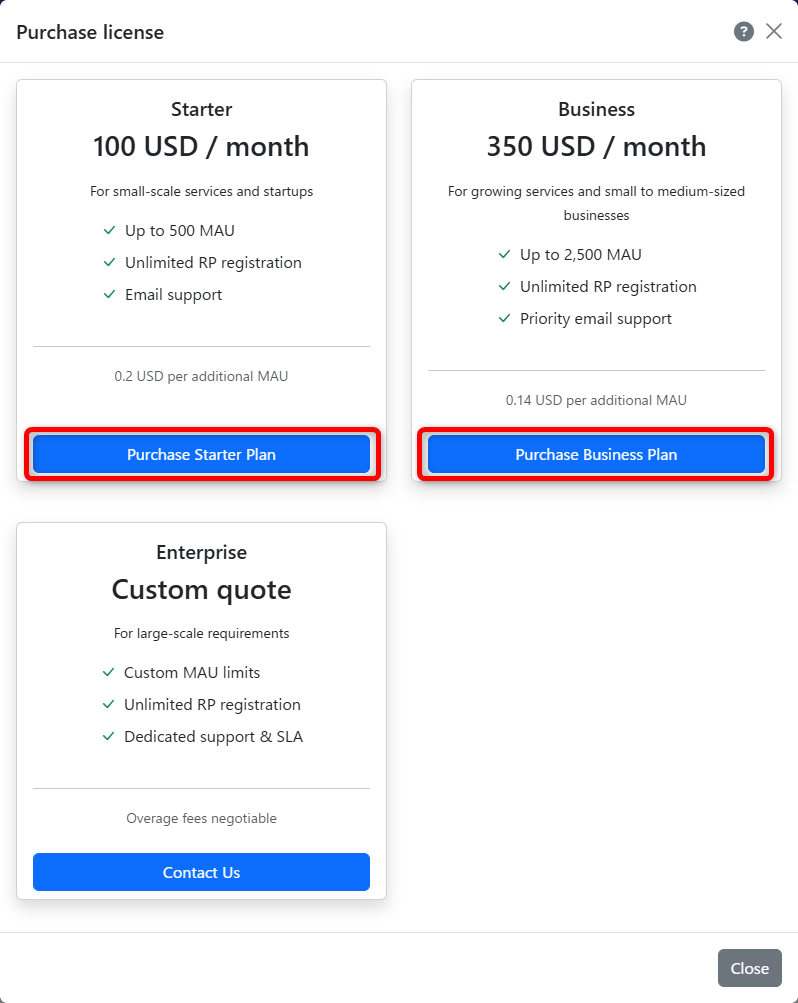
-
Transition to the Stripe screen for license purchase.
3. Entering Credit Card Information (Stripe Screen)
-
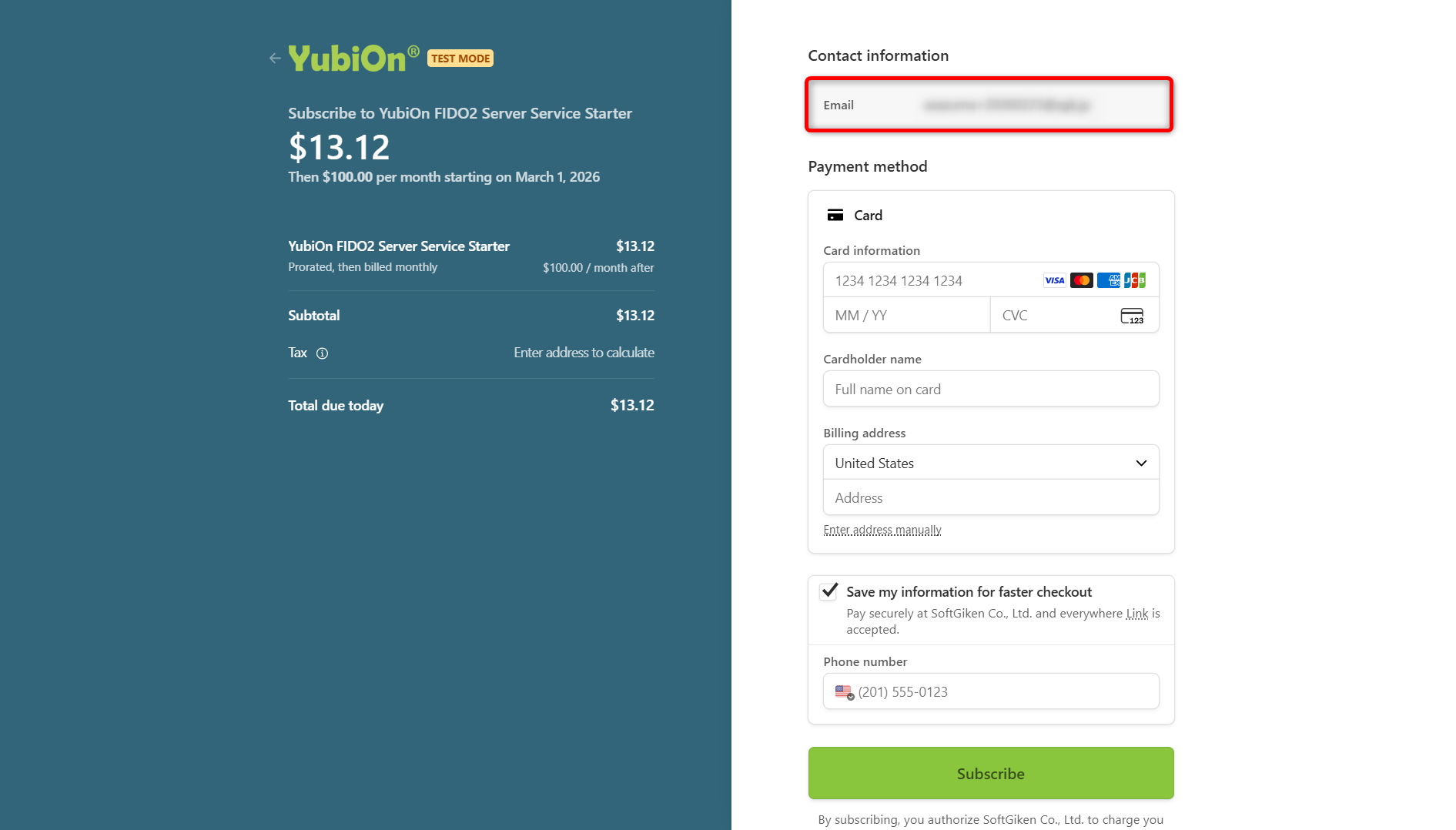
Confirm that the email address of the payment administrator is correct.
-
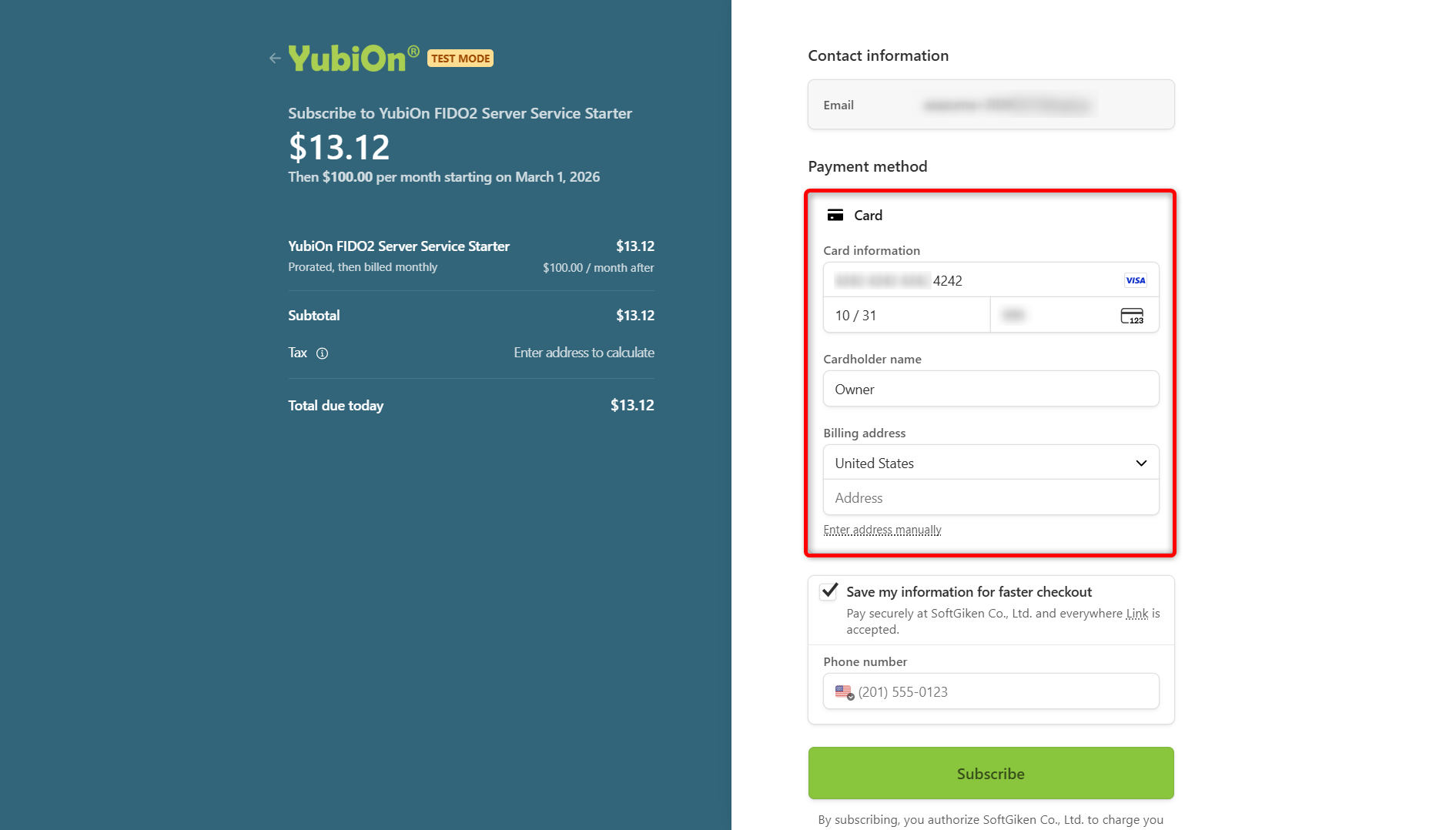
Enter the following card information:
- Card number
- Expiration date (MM/YY)
- Security code (CVC)
- Cardholder name
- Address
-
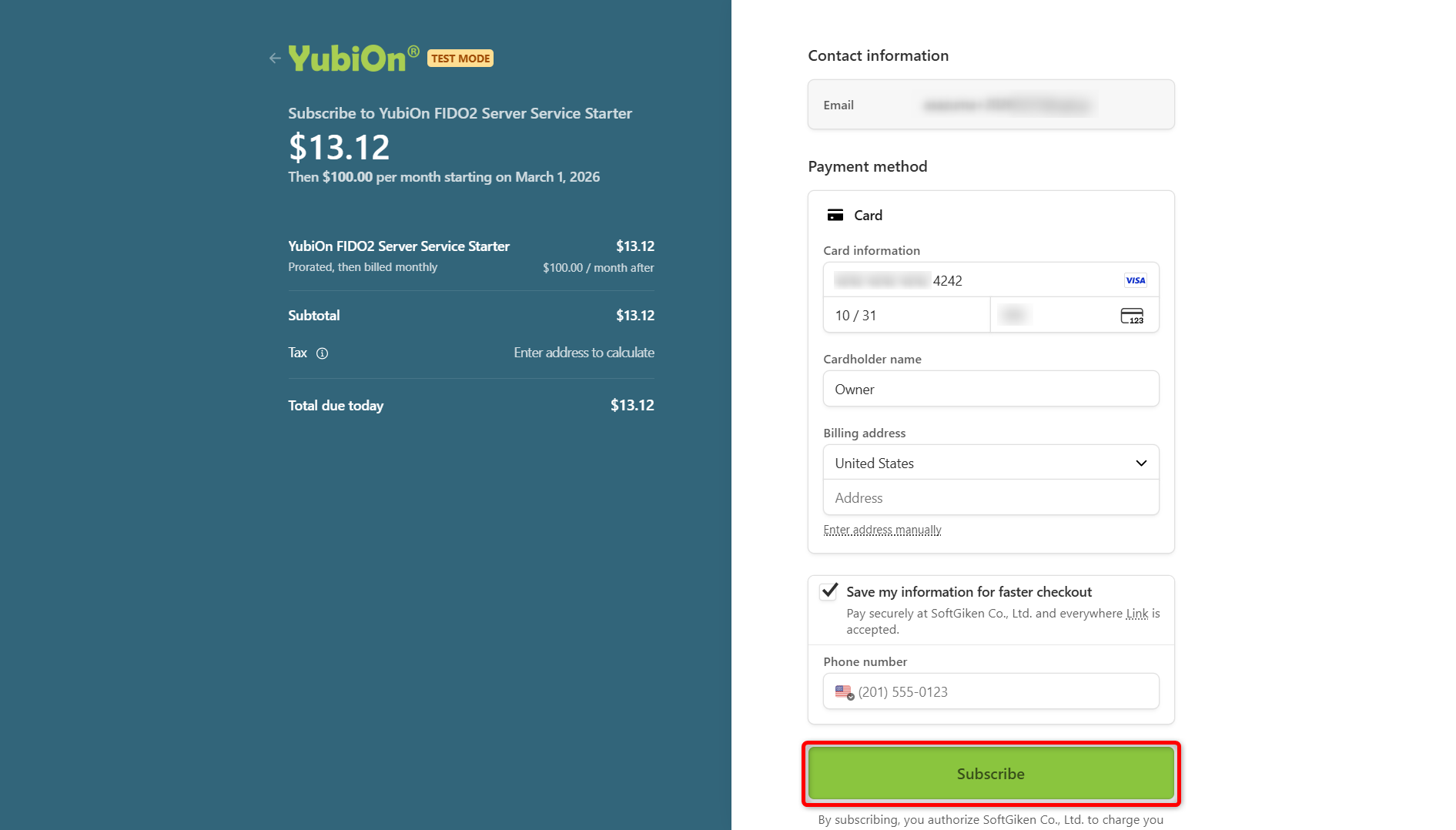
After confirming the initial purchase amount, click the “Subscribe” button.
If the card is rejected
Please check the expiration date, credit limit, and 3D Secure (personal authentication) settings.
4. Confirmation of Purchase Completion
When the payment is completed normally, it returns to the billing dashboard screen of this service.
-
Confirm that the license information is updated.
It may take a few minutes for it to be reflected. Please reload the screen and check.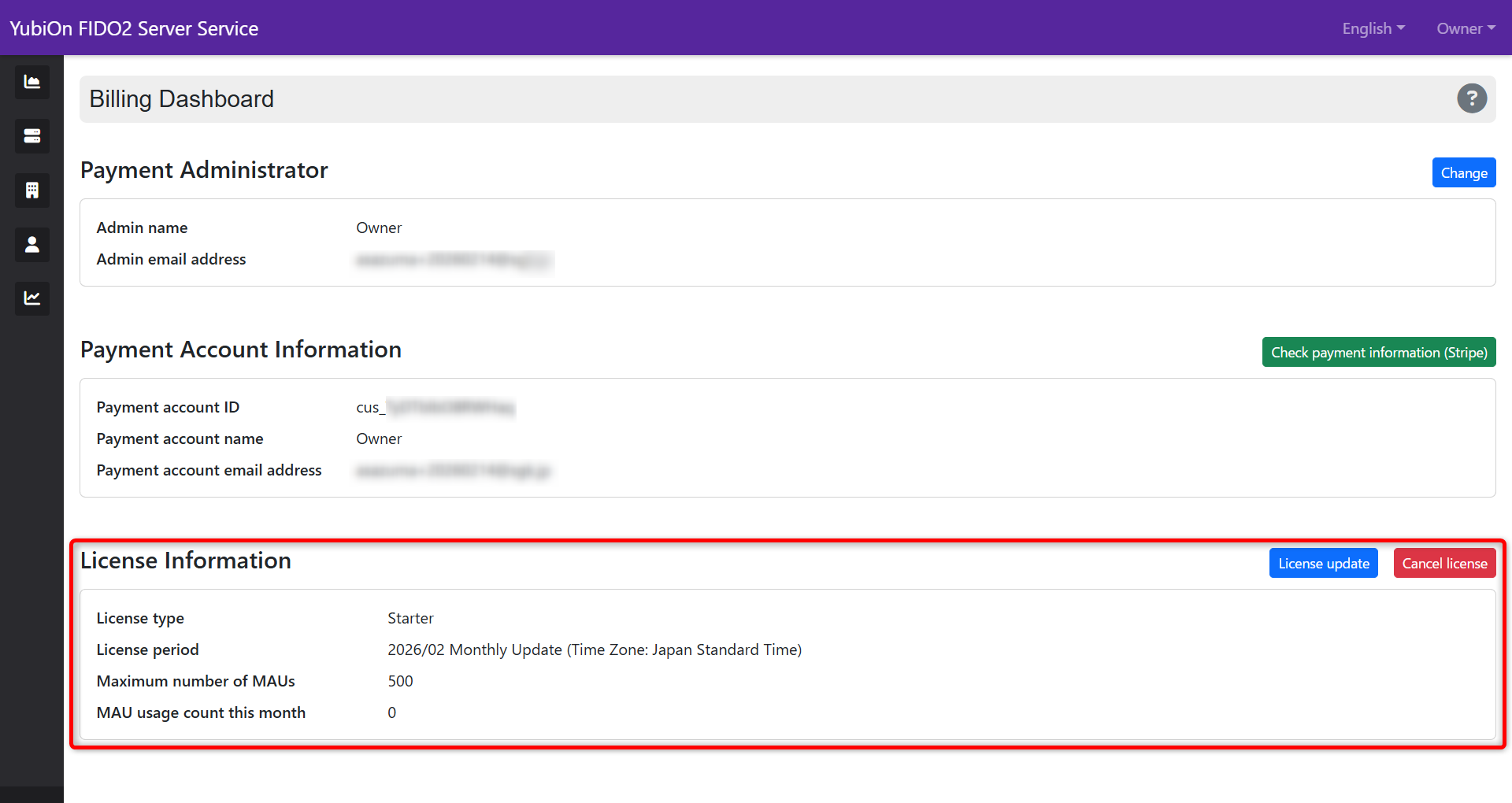
-
You can check if the initial prorated fee has been settled correctly from Check Payment Information.